The iGive Sidebar for AI Waits Beta
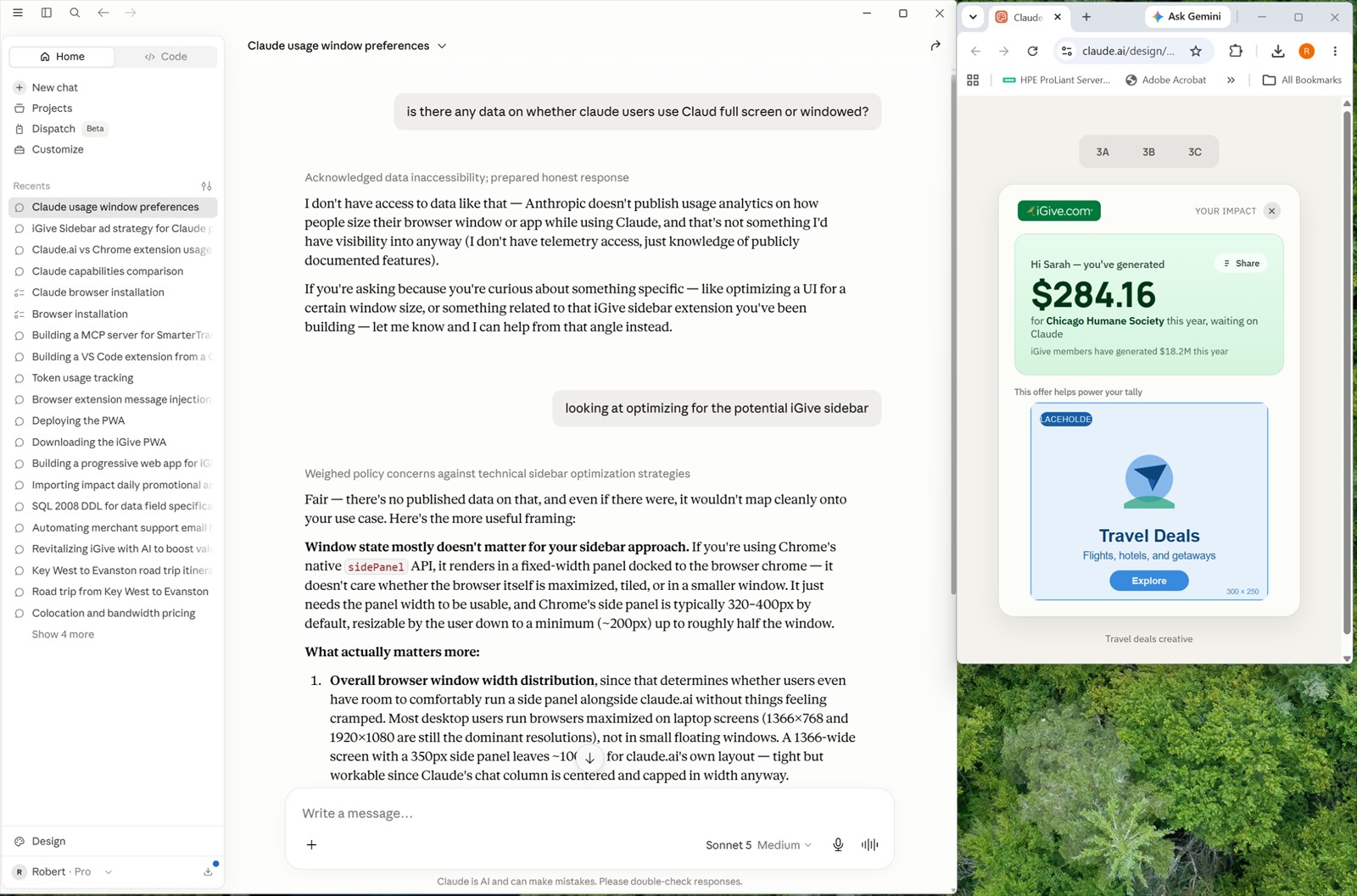
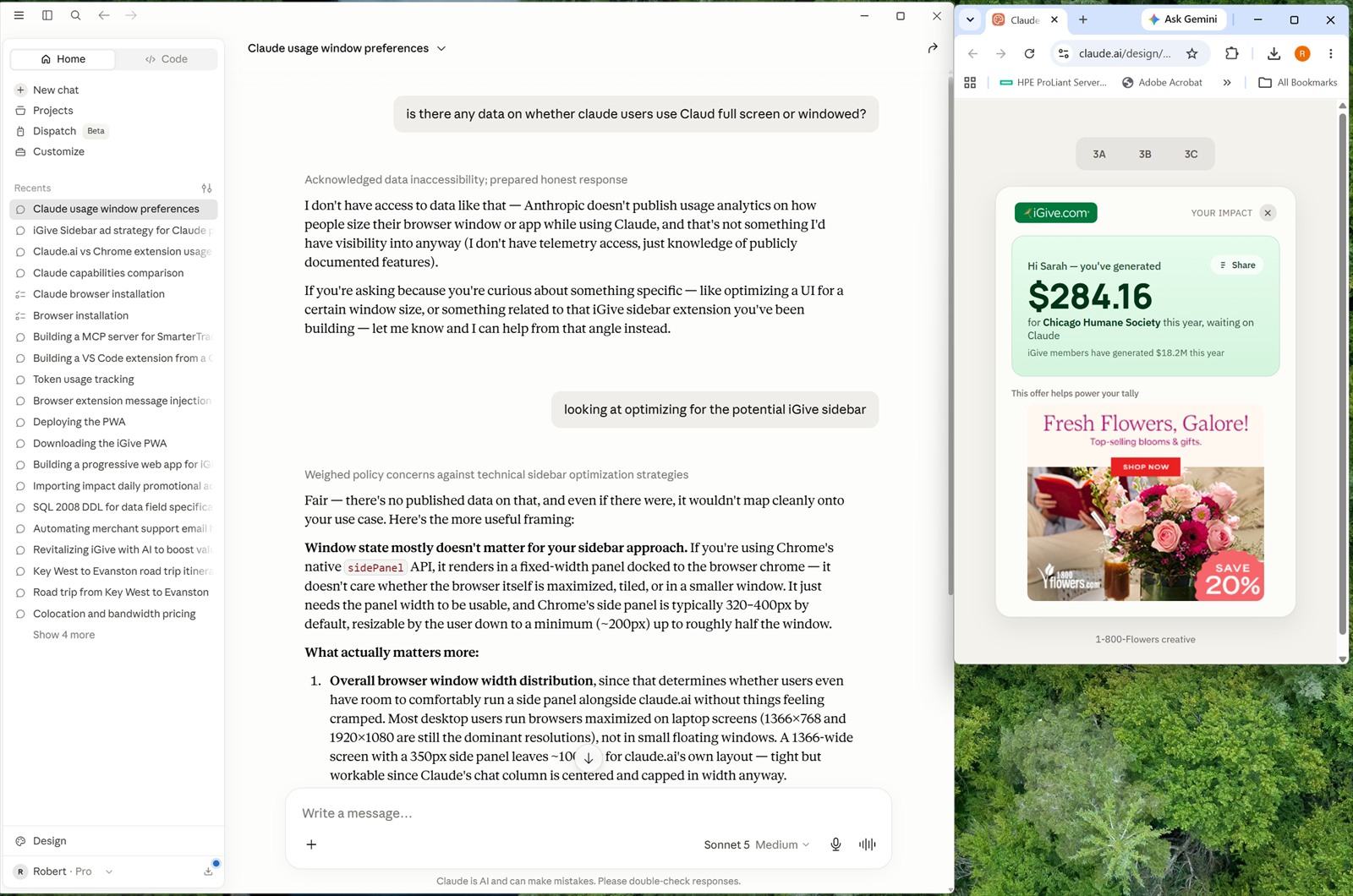
Every time you ask ChatGPT, Claude or Gemini a question, there’s a pause while it writes the answer. The iGive Sidebar puts that pause to work for your cause.
How It Works
- Ask your AI a question, the way you always do. Nothing about how you use ChatGPT, Claude or Gemini changes.
- While the answer is being written, a small iGive panel appears. It shows what you’ve raised for your cause, and one shopping offer.
- Use the offer, or don’t. Shop through it and your purchase earns for your cause, just like any other iGive shopping trip. Not interested? Close it with one click.
Simple, Polite, Meaningful
Simple. The Sidebar is part of the iGive Button. There is nothing extra to install and nothing new to learn.
Polite. During the beta it stays off until you turn it on. It shows one offer at a time, and you can switch it off whenever you like. Turning it off doesn’t change anything else the Button does.
Meaningful. Shopping is still how iGive raises money for your cause. The Sidebar adds one more moment when it can – the few seconds you spend waiting anyway.
Beta Phasing
The beta rolls out in four phases.
Phase 1
- A limited selection of ads from iGive merchants, for testing
- The Sidebar is off until you turn it on
- Ads are not tied to your AI question
- Donations come only from purchases made through an ad
Phase 2
- A limited introduction of ads from merchants outside iGive
- No donation yet for seeing ads from merchants outside iGive
Phase 3
- Ads reflect your AI question
- Donations based on viewing ads
Phase 4
- We’re going live!
- The Sidebar is on by default
Beta Details
- Part of the iGive Button
- Off until you turn it on, during the beta
- Turn it off anytime in Preferences
- Desktop / laptop only
- ChatGPT / Claude / Gemini
- One offer at a time